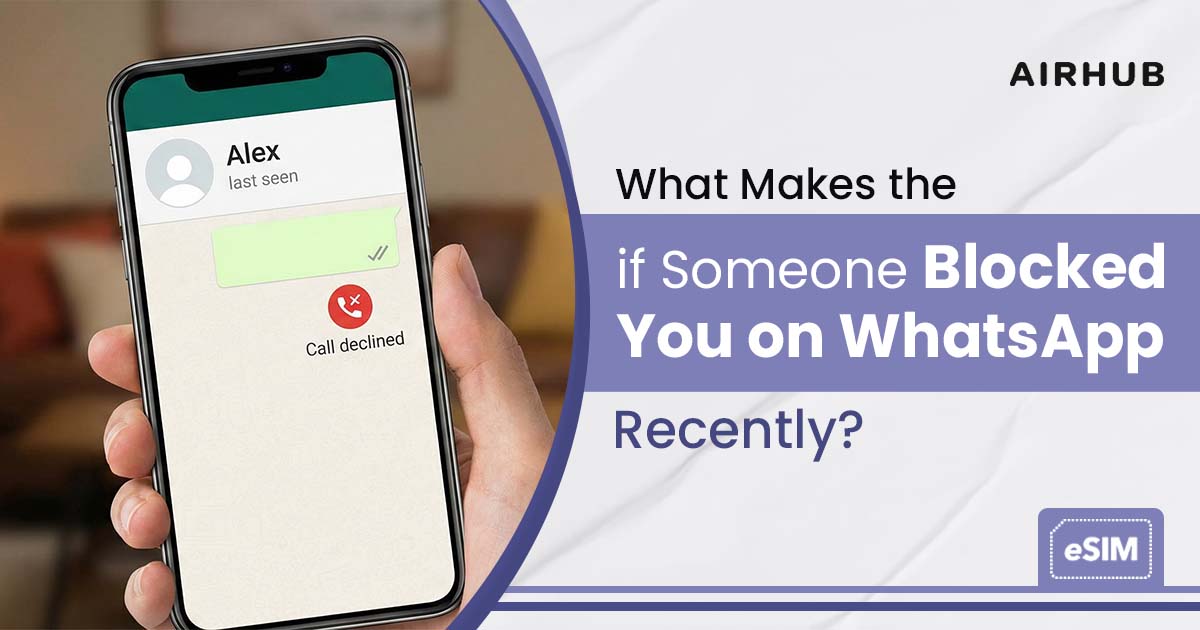
The messages stop landing. The replies dry up. And then the thought arrives, uninvited: have they blocked me? Here’s the frustrating part, and it’s worth getting out of the way first WhatsApp will never tell you. No alert, no discreet “you’ve been blocked” banner, nothing at all. The app treats a block as strictly private, which is precisely why it’s so maddening to pin down. What you’re left with is a scatter of clues, and once you know how to read them plus one test that gets you close to a straight answer the fog mostly lifts. Below: how to tell, the most reliable way to check, and what actually changes on your end when it happens.
Does WhatsApp Notify You When Someone Blocks You?
No — and it never will. WhatsApp keeps blocking deliberately quiet: no announcement, no message, no badge on the chat. That silence isn’t an oversight; it’s the entire design. The feature exists to give people privacy and a little peace, so the app flatly refuses to tip anyone off. Everything you work out, you work out from what quietly stops functioning.
Which brings us to the one rule to carry through the rest of this piece: no single clue proves anything. Every sign below has a perfectly innocent twin, so never hang your whole conclusion on just one of them.
Signs Someone Blocked You on WhatsApp
Five signs are worth watching. On its own, each is a maybe. Line a few up, though, and the picture sharpens fast.
- Their profile photo disappears — or freezes. Someone who always had a photo now shows a blank circle, or the same old picture that never once updates again. That can mean a block. It can equally mean they deleted the photo or tightened their privacy so hold it loosely.
- Your messages sit on a single grey tick. One grey checkmark means the message left your phone but never reached theirs. A block does this. So does a dead battery, or a dead zone with no signal.
- “Last seen” and “online” vanish. If you always saw one or the other at the top of the chat and now there’s nothing, take note then remember that anyone can switch those off in privacy settings without blocking a soul.
- Your calls won’t connect. A WhatsApp voice or video call to someone who’s blocked you simply won’t land sometimes a lone ring, then silence. When the calls fail over and over and you know their phone is fine, that’s a real signal.
- Their Status updates go dark. You used to catch their daily Status posts; now there’s nothing, and you’re fairly sure they’re still posting. That can point to a block unless, of course, they’ve just gone quiet.
Here’s the fast way to read each one without spiralling:
| What you see | Could be a block | Could also be innocent |
| Profile photo gone or frozen | Yes | They removed it / changed privacy |
| One grey tick, never two | Yes | Their phone is off or offline |
| No “last seen” or “online” | Yes | They hid it in privacy settings |
| Calls won’t connect | Yes | Temporary network/phone issue |
| No Status updates | Yes | They simply stopped posting |
So the honest read is this. One sign is a shrug. But a single grey tick and a frozen photo and no last seen and calls that die on the first ring? That stops being coincidence. That’s a pattern.
The Most Reliable Way to Check
When the signs leave you marooned between “blocked” and “maybe their phone’s just off,” two checks get you far closer to an answer than staring at a grey tick ever will.
- The group-add test. Start a new WhatsApp group and try to add the person you’re unsure about. If WhatsApp throws an error and won’t add them, that’s about the strongest single signal you’ll get. One honest catch, though and true to this guide’s whole rule, even this sign has an innocent twin: if they’ve set who can add me to groups to Nobody, the add fails whether they’ve blocked you or not. So read a failed group-add as your strongest clue, never a verdict, and stack it on the rest.
- The delete-and-re-add method. Delete the contact, add them back fresh, and open the chat. If their profile photo, last seen, and online status are still nowhere to be found while your other contacts show up perfectly normally a block is the likelier answer than some glitch on your end.
- The mutual-friend cross-check. Have a friend in common? Ask them, tactfully, to open the person’s profile. If your friend sees a normal photo, last seen, and Status while you see a blank, that lopsidedness is telling a privacy change or an outage would hide those things from everyone, not just you. When only you are in the dark, a block is the obvious read.
And one thing to steer well clear of: any app promising to reveal who blocked you. WhatsApp’s privacy design means no outside tool can genuinely detect a block. The ones that claim otherwise are, in practice, scams, data-harvesters, or simply useless. The signs and these checks are the only route worth trusting.
What Does One Tick Mean on WhatsApp?
The single grey tick causes more confusion than any other sign, so let’s be exact about it. One tick means your message left your phone and reached WhatsApp’s servers but hasn’t been delivered to the other person’s phone. Two ticks means it arrived. (For the record: two grey ticks mean delivered, two blue ticks mean read so a message stranded on a single tick is the odd one out.) A message stuck on one tick is simply undelivered, and a block is only one of the things that does that. A phone switched off, out of coverage, or with WhatsApp uninstalled does exactly the same. That’s the whole reason one tick proves nothing on its own it only starts to mean something next to the other signs. (One useful tell: if you can still see them “online” or their “last seen” ticking over while your message sits on a single tick, that argues against a block — a block hides those entirely.)
What Changes When You’re Blocked
Here’s the part that catches people off guard: on your side, a block changes less than you’d expect.
- Your chat history stays exactly where it is. Every past message with that contact is still sitting on your phone. Nothing is erased only new messages stop going through.
- They stay in your contacts. WhatsApp doesn’t quietly remove them or flag anything. They’ll sit in your list until you decide to delete them yourself.
- You get no notification — not now, not ever. The app stays silent, so every conclusion you reach comes from what you can no longer see.
- And anything you send while blocked never “catches up.” If they unblock you somewhere down the line, the messages you fired off in the meantime don’t suddenly land only whatever you send afterward gets through. Stockpiling texts in hope is wasted effort.
Keep those innocent explanations close, too: a deleted account, a new phone, stricter privacy settings, or just a lousy connection can each imitate a block convincingly. Which is the entire case for weighing the signs together rather than reacting to a single one.
Blocked, or did they just delete their account?
They look alike, but the difference is all in the reach. Delete a WhatsApp account and the profile photo vanishes for everyone, with messages that never deliver to anyone it’s universal. A block is personal: it touches only you. That’s exactly why the mutual-friend check settles it if a friend still sees the photo and Status while you get a blank, it’s a block, not a closed account.
A Note on “Workarounds” — and Respecting a Block
If you’ve worked out that someone has blocked you, sit with this before anything else: people block for a reason, and the decent thing is to respect it. Trying to route around someone who’s asked for distance defeats the entire purpose of the boundary they drew.
For completeness, here’s the technical bit people always ask about. Dropping a new physical SIM into your phone while keeping the same WhatsApp number does nothing to a block the block is tied to that number’s account, not to the card. Only registering a genuinely different number creates a separate WhatsApp identity, and it works simply because that number was never blocked in the first place. That’s just how the app is built; it isn’t a clever loophole for reaching someone who doesn’t want to hear from you.
Where a second number genuinely earns its keep is ordinary life and travel a separate line for a trip, a clean split between work and personal, or a local number when you’re abroad. An eSIM from Airhub adds a line without any physical SIM swapping and activates in minutes across 190+ countries. And if your real worry was staying reachable on the road whether your usual apps even work in certain countries our guide on whether WhatsApp works in China.
If the conversation truly matters, the grown-up routes still exist: an email, a mutual friend, or simply giving it time.
FAQs
1. How do you know if someone blocked you on WhatsApp?
Look for several signs together: messages stuck on a single grey tick, no “last seen” or “online,” a profile photo that’s vanished or frozen, calls that won’t connect, and Status updates that have gone dark. For a firmer read, try adding the person to a new group if WhatsApp won’t let you, that’s the single strongest indicator (though it can also fail if they’ve limited who can add them to groups).
2. Does WhatsApp tell you if someone blocked you?
No. It never notifies you or shows any “blocked” message blocking is designed to stay private. You can only infer it from the signs and the group-add test.
3. What does one tick mean on WhatsApp?
One grey tick means your message was sent but not delivered to the other phone. A block causes it but so does their phone being off, out of signal, or WhatsApp being uninstalled. It only means something alongside the other signs. (Two grey ticks mean delivered; two blue ticks mean read.)
4. Can an app tell me who blocked me on WhatsApp?
No, and give any that claim to a wide berth. WhatsApp’s privacy design means no third-party tool can truly detect a block those apps are usually scams or plain don’t work.
5. Will changing my phone number unblock me?
A brand-new number creates a separate WhatsApp identity that was never blocked but a new SIM or eSIM running your same number won’t undo anything. Either way, if someone’s blocked you, the respectful move is to let it be rather than engineer a way around it.
6. Am I blocked, or did they delete their account?
A deleted account looks the same to everyone no photo, no delivery, for all their contacts. A block only affects you. The quickest way to tell them apart is the mutual-friend check: if a shared contact still sees their profile while you don’t, you’ve been blocked, not deleted.
Leave a Reply