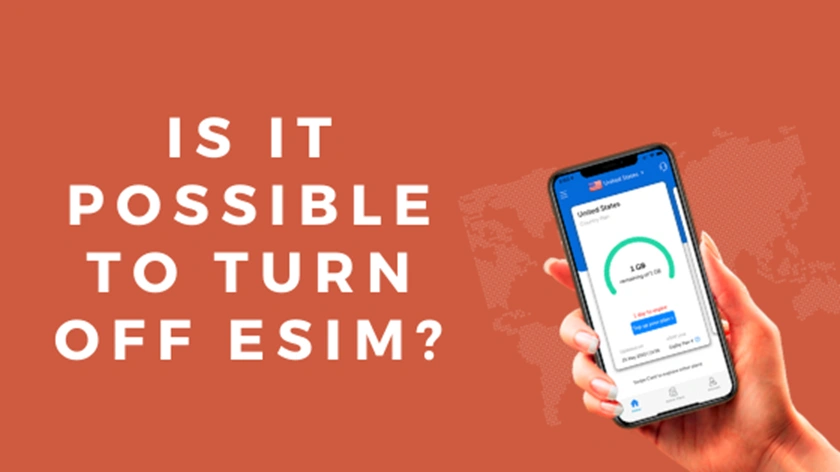
You can turn your eSIM line or global eSIM data plan on and off whenever you choose. Your data eSIM will normally appear on your device as a secondary line for a certain country or region, and you can enable and disable its functionality as well as adjust features inside your settings. Go to your device’s settings and select cellular/mobile data. You should be given the option to “switch this line on/off.” Toggle the switch from there. What is an eSIM?

If you’re unfamiliar with the term eSIM, it stands for “embedded” SIM card. A little chip soldered into your gadget is known as an integrated SIM card. This means that an eSIM compatible smartphone does not require external SIM cards to activate data plans; instead, data eSIM plans can be downloaded directly to your phone from the Airhub app/website. Simply put, an eSIM is a SIM card that has been converted into a digital format. You can do the following with your eSIM:
- For local data, use your mobile network.
- To call, contact, and stay connected to other phones and devices, you’ll need cellular coverage.
- Data can be seen, scanned, stored, searched, activated, and downloaded to your device.
- You can keep your number while switching your phone line.
- You’ll never have to worry about being charged for roaming again.
- Download and pay for a plan that suits your data requirements.
- Instead of inserting a chip, use a QR code to activate your eSIM unlimited data plan.
- Switch your virtual eSIM data plan to a local, continental, or international plan via the Airhub
- Choose from shorter to longer cheapest eSIM plans to get the most out of your money (based on need).
Please check if your handset is eSIM compatible before downloading an eSIM by looking at our list of approved phones below:
Related: https://www.airhubapp.com/faq How do eSIMs work?

There are a few things to keep in mind about how your eSIM works: eSIMs are built for travel and have networks, data plans, and validity periods that correspond. An American eSIM with 5 gigabytes of data and a 2-week validity period, for example, will only work once it is within range of an American telco provider/network. You’ll need to reload or install a new eSIM once the two-week time is up or you’ve used up your data plan, depending on whether the eSIM has a top-up option or not. If you are heading to the United States, you will only be able to use your American eSIM plan once you arrive. Your plan is active from the moment you purchase it, so make sure you activate it just when you’re ready to fly. Make sure data roaming is enabled on your eSIM line after you’ve installed it. To ensure that you have access to the telecom networks in the respective region, data roaming on the eSIM line must be enabled. You will not be charged extra for roaming on your eSIM line, unlike your mainline. Please double-check that the APN settings in your installation instructions match the APN settings on your eSIM line after you’ve installed your eSIM. For more details please consult our Installation Guide It may take a few minutes for your eSIM to connect to the network after your installation is complete. eSIM deletion vs. eSIM deactivation

If you wish to use your eSIM again, the difference between turning it off and deleting it is totally dependent on whether you want to use it again. It’s vital to remember that after you’ve erased your eSIM, you won’t be able to get it back. We only advocate deleting your eSIM if 1) the eSIM does not have a top-up function and cannot be reloaded, or 2) you have no plans to return to the place or use the eSIM again. If you want to use your cheapest eSIM plan again, we also recommend turning it off, as it may be topped up via the Airhub app: https://play.google.com/store/apps/details?id=com.claytech.airhub https://apps.apple.com/in/app/airhub-app/id1568862355
Author – David Garrood
Leave a Reply