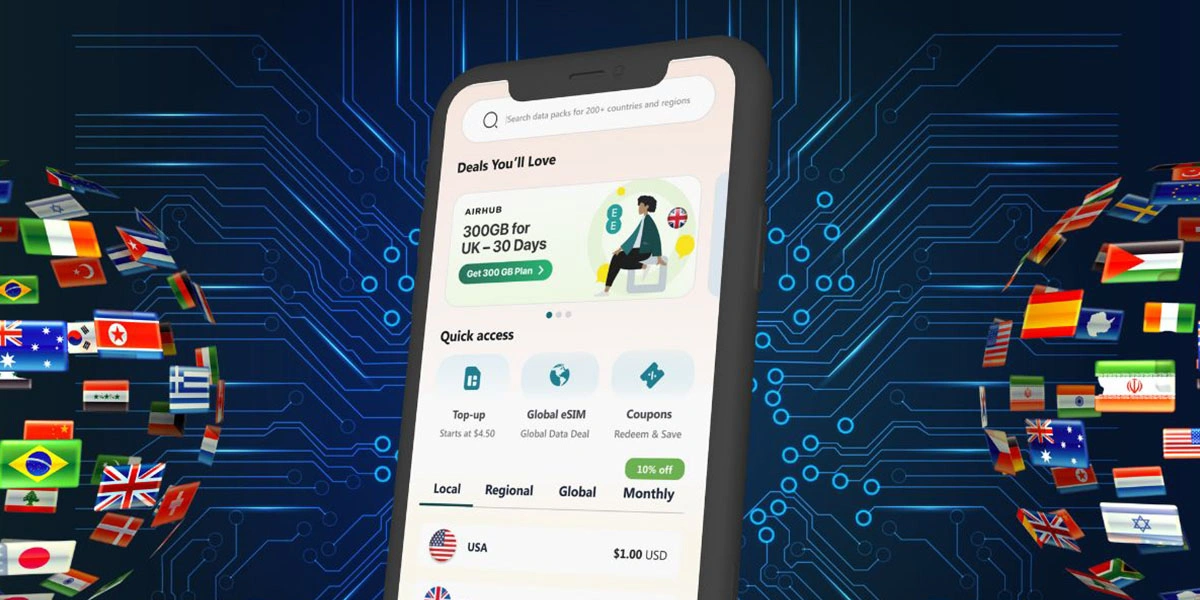
Not everyone uses dual SIM iPhones the same way. Some want one number for work, one for personal life. Others just need local data while traveling abroad. And many are just tired of switching physical SIM cards every time they cross borders. That’s where eSIM for iPhone steps in and makes everything so much easier.
If you’ve got a Dual SIM iPhone (that means one physical SIM and one eSIM slot), this guide is for you. Let’s walk through how to use, install, and switch your eSIM iPhone setup like a pro—even if you’re not super techy.
Table of Content
- How Does a Dual SIM iPhone Work?
- How to Set Up eSIM on iPhone
- How to Use an eSIM on Dual SIM iPhone
- Can I Store Multiple eSIMs?
- Benefits of Using eSIM with a Physical SIM
- Make the Most of Your Dual SIM iPhone
- FAQs
How Does a Dual SIM iPhone Work?
If you own an iPhone, your device likely supports both a nano SIM (physical) and an eSIM at the same time.
That means you can:
- Use your local SIM card for calls and texts
- Use an Airhub travel eSIM for affordable data abroad
- Keep your work and personal numbers separate
- Set one line for voice and another for data
- Avoid swapping SIM cards every time you fly
Note: iPhones purchased in mainland China usually don’t support eSIM. But in most regions, you’re good to go.
How to Set Up eSIM on iPhone
Let’s talk about the real part—how to set up eSIM on iPhone.
Once you buy your eSIM plan from Airhub, you’ll get a QR code (either in-app or via email). Here’s what to do:
Option 1: Scan the QR Code
- Open your iPhone Settings
- Tap Cellular or Mobile Data
- Select Add Cellular Plan
- Scan the QR code
- Follow the given instructions
- Done! Your eSIM is installed
If your carrier provided a confirmation code, you’ll be asked to enter it during setup.
Option 2: Enter Manually In case You doesn’t get the QR Code
- Go to Settings > Cellular > Add Cellular Plan
- Tap Enter Details Manually
- Enter the information provided (you’ll get this from Airhub)
- That’s it.
Some carriers also allow installation through their app—if that’s the case, just follow the app instructions.
You need to be connected to Wi-Fi to activate your eSIM.
Tip: Label your eSIM clearly, like “USA Trip” or “Work Data,” so you know which line is which.
How to Use an eSIM on Dual SIM iPhone
You can use both physical and digital SIM at the same time. Here’s how to toggle between them or assign specific tasks:
- Go to Settings > Cellular
- Tap the line (SIM) you want to use for:
- A. Default line (for calls and SMS)
- B. iMessage & FaceTime
- C. Mobile Data
Example: Use your local number for calls, and your Airhub eSIM for data while traveling abroad. Super useful if you’re on work trips, long vacations, or just hate paying roaming fees.
Can I Store Multiple eSIMs?
Yes, you can store multiple eSIM profiles on your iPhone—but only one can be active at a time (alongside your physical SIM).
Switching is easy:
- Go to Settings > Cellular
- Tap on the eSIM to activate
- Set it as your current line
Great for frequent travelers who hop between countries.
Benefits of Using eSIM with a Physical SIM
Still wondering why this setup is awesome? Here’s why using dual SIM iPhone mode is actually life-changing:
- No need to buy new physical SIMs in every country
- No more tiny SIM trays or losing cards
- Easy to manage business and personal numbers
- Instant activation with Airhub’s eSIM QR codes
- Travel eSIM plans available in over 190 countries
- Stay connected globally with flexible, affordable data
Whether you’re a digital nomad, business traveler, or someone with too many contacts to keep on one number, dual SIM iPhones just make sense.
Make the Most of Your Dual SIM iPhone
How to Set Up an eSIM on Your iPhone (Without the Headache)
Setting up an eSIM on your iPhone isn’t just about skipping the SIM card—it’s about making your phone (and your travel) way smarter. No more dealing with tiny trays or standing in long airport lines just to get connected.
Whether you’re switching between personal and work numbers, or you’re flying between countries, your iPhone with dual eSIM support is made for this. And with Airhub, it’s super simple—you just scan a QR code and you’re good to go. Seriously, that’s it.
So next time someone asks you, “Hey, how’d you set up your eSIM?”, just send them this link and maybe show off a little.
Need help? Just reach out to us at support@airhubapp.com, or take a look at our Global eSIM plans to get started.
Leave a Reply