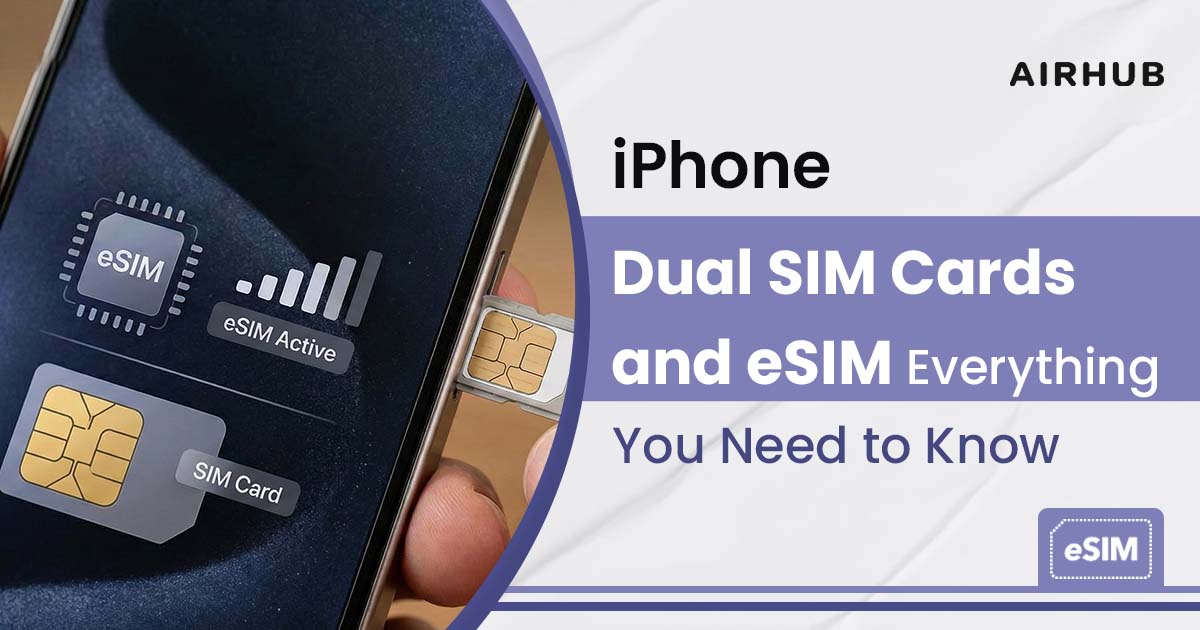
For many digital nomads, remote workers, and frequent travelers, having two active lines on one phone is a game-changer. Thanks to the iPhone dual SIM card feature, you can enjoy two phone numbers on a single iPhone, usually one physical SIM and one eSIM. In practical terms, you might keep your personal line on a nano-SIM and add a second data plan as an Airhub eSIM.
Once set up, you’re always connected: no more hunting for local SIM shops abroad or juggling multiple phones. An eSIM is just like a normal SIM card, but built into your phone. As Airhub explains, “An eSIM is a built-in digital SIM that allows you to activate a mobile plan without using a physical SIM card”. You simply download it over the air, and you’re online wherever you go.
Dual SIM on iPhone?

Dual SIM on an iPhone means you can have two different network plans active at the same time. Typically, one line is on the physical SIM card, and the other is on an eSIM (embedded SIM). The two lines can be from the same carrier or different carriers (if your phone is unlocked). You might use one number for calls/SMS and the other for data, or label them “Personal” and “Travel” for easy handling. You can also assign contacts to always use a specific line. Importantly, only one line uses cellular data at a time on the iPhone, but both lines can send/receive calls and messages. Modern iPhones handle this elegantly: once both SIMs are active, your iPhone will let you pick a default line for calls and data in Settings, or even allow “cellular data switching” to switch data networks on the fly.
- Pro Tip: Since the eSIM is embedded and can’t be physically removed, it adds security. If your phone is lost or stolen, you can remotely disable or remove the eSIM to protect your data.
Which iPhones Support Dual SIM?

Not every iPhone is dual-SIM capable, but most recent models are. Apple’s support page notes that iPhone XS, XS Max, XR and later support Dual SIM: one nano-SIM plus one eSIM. Concretely, iPhone XR, XS, and all models from iPhone 11 through iPhone 14 (and the latest 15/16/17 models) can use one physical SIM card and one eSIM simultaneously. Starting with iPhone 13 (and even the iPhone SE 3rd generation), you can go entirely SIM-free by using two eSIMs at once. In the United States, Apple has gone even further: iPhone 14 and 15 sold in the US have no physical SIM tray at all, they rely on eSIM only. (By contrast, in some regions like Hong Kong and Macau, a few models still come with dual nano-SIM slots.)
- Models with one nano-SIM + one eSIM: iPhone XR, XS/XS Max, 11, 12, 13, 14, 15, 16, 17.
- Models with dual eSIM: iPhone SE (3rd gen), iPhone 13, 14, 15, 16, 17.
Using an iPhone dual SIM setup is especially popular among business users and travelers. For example, you could keep your regular SIM active for calls/texts at home, while running a local data plan on an eSIM when abroad. Apple even highlights common use-cases: “Use one number for business and another for personal calls” and “Add a local data plan when you travel to another country or region.”
What is eSIM, and how is it Better than a Physical SIM?

An eSIM (embedded SIM) is simply a virtual version of a SIM card. Instead of inserting a tiny plastic chip, you download a cellular plan directly into your phone’s internal SIM chip. Major carriers worldwide, like AT&T, explain that eSIM is “a digital version of a SIM card” that connects your phone to the network without any physical chip.
Because it’s built in, an eSIM offers several advantages over a traditional SIM card:
- No physical swapping: You can switch carriers or add numbers with software. You don’t need to visit a store or fiddle with tiny SIM eject tools. Instead, download the plan online or scan a QR code. Airhub’s activation guide walks you through just that: go to Settings > Cellular (Mobile Data) > Add Cellular Plan, then scan the QR code from Airhub. In seconds, your new plan is ready.
- More security: Unlike a removable SIM card, an eSIM is soldered into the device. This means if your phone is stolen, you can disable the eSIM remotely for safety. There’s no SIM tray to lose or pick.
- Multiple lines: Many eSIM-compatible phones can store and manage multiple profiles. For instance, you might have both a work and personal number on the same device. Some devices even let you switch instantly between them.
- Travel-friendly: When you land abroad, you can often just purchase a local data plan online (like an Airhub travel eSIM), download it, and be connected, no shopping for a local SIM or changing cards. AT&T notes you can “activate an eSIM for the country you’re visiting” easily.
- Future-proof: Many new iPhones don’t even include a physical SIM slot. For example, current US iPhone models use only eSIM. Learning to use eSIM sets you up well for future phones.
Despite these perks, physical SIM cards still work fine. There are places and older phones where eSIM isn’t available. But for most people today, especially travelers or remote workers abroad, eSIM offers unmatched convenience and flexibility.
Setting Up Dual SIM on Your iPhone

Getting started with Dual SIM is straightforward. First, make sure your device is unlocked (if you plan to use two different carriers). If it’s locked to one carrier, both plans usually must be from that same provider. Then follow these general steps:
1. Check compatibility: Confirm your iPhone model supports eSIM. You can dial *#06#; if an EID appears, your device has an eSIM chip. Or see Airhub’s eSIM resources to verify.
2. Buy your eSIM plan: On Airhub’s Buy eSIM store, choose the data plan you need for your destination or usage. Complete payment (Airhub accepts cards, crypto, etc.). After purchase, Airhub emails you a QR code to activate your plan.
3. Install the eSIM: On your iPhone, go to Settings > Cellular (or Mobile Data) > Add Cellular Plan. Use your camera to scan the QR code from Airhub. If you can’t scan, enter the activation code manually as shown in the email. The iPhone will add this as a new cellular plan.
4. Label and set defaults: iOS will ask you to label the new plan (e.g. “Airhub Travel” or “Data 1”). You’ll also choose which line is your default for voice, SMS, and cellular data. For example, you might keep your regular SIM as default voice line, and use the eSIM for data only – or vice versa.
Everything can be done from your phone settings (no computer needed). Airhub’s Install eSIM on iPhone guide walks through this visually. After adding, manage your lines in Settings: you can turn lines on/off, pick which number to use for iMessage/FaceTime, enable Wi-Fi Calling, etc. Again, only one line can use cellular data at a time, but you can switch it easily in Settings.
Dual SIM really shines on the road. Instead of paying expensive roaming fees, you can keep your home number active and add a local plan via eSIM. For example, when you arrive in France, you could buy an Airhub France eSIM plan on your phone. Scan the QR code, and instantly have data and local service while still receiving calls/texts on your home SIM if needed. You “stay connected without switching SIM cards”.
Airhub eSIM: Seamless Connectivity

Airhub eSIM is built exactly for these needs. It’s a digital SIM service tailored for international connectivity. Once you download the Airhub app or visit our Buy eSIM store, you can purchase data plans for over 190 countries. After purchase, Airhub sends you an eSIM QR code by email. Follow the guide above to install the eSIM on your iPhone. Within minutes you’re connected.
We’ve optimized Airhub for simplicity
- Check Compatibility: Use our eSIM Compatibility page to ensure your iPhone model supports eSIM.
- Get the Plan: Click Buy eSIM to browse plans by country.
- Install on iPhone: Use our Install eSIM on iPhone walkthrough or follow your phone’s instructions.
- Manage in the Airhub App: After activation, open the Airhub app anytime to track data usage, top up plans, or buy new ones.
No physical card is ever needed, Airhub becomes one of your phone’s cellular plans. Your old SIM still works alongside, or you can switch entirely to eSIM if you prefer. This digital approach saves space (no more losing SIM eject tools!), and adds flexibility. For example, it’s easy to upgrade plans or add days to your existing plan from anywhere with internet access.
FAQs
1. How does dual SIM work on an iPhone, and do I need two physical SIM cards?
You do not need two physical cards. Dual SIM on iPhone typically uses one physical nano‑SIM and one eSIM. With both set up, the iPhone can make/receive calls and texts on either number. You simply purchase or activate one line on a SIM card as usual, and add the second line on the eSIM.
2. Can I use one physical SIM and one eSIM on my iPhone at the same time?
Yes. That’s exactly the designed use of Dual SIM. For example, iPhone XR, 11, 12, 13, 14, etc. support one physical SIM plus one eSIM. You activate your first line on the SIM card (your “Primary” line), then go to Settings > Cellular > Add eSIM to install your second line. After setup, your iPhone treats them equally, and you’ll see both lines in Settings. You can then choose which number is the default for voice calls, messages, and data.
3. Can I use dual SIM on iPhone while traveling internationally?
Absolutely. In fact, this is one of the biggest advantages of Dual SIM. You can keep your usual SIM active (so people can still reach you on your home number) and add a foreign data plan on the eSIM.
4. Is using an eSIM card on an iPhone better than a physical SIM?
Yes, especially for travel and flexibility. An eSIM is built into your iPhone’s hardware and can’t be physically swapped, so it can’t be lost and can be remotely managed. It lets you connect to a network or switch plans without visiting a store or fiddling with SIM trays. You can easily download a new Airhub eSIM plan in minutes. For many people, that convenience outweighs anything.
Leave a Reply